A JPEG quality slider is an encoder input, not a standardized visual score. A value of 80 in one tool can produce different quantization and metadata behavior from 80 in another. A useful ladder therefore keeps the encoder fixed and changes one input at a time.
Find the lowest JPEG setting that remains visually acceptable for a specific image class and display size.
Repeatable method
1. Choose representative sources
Use at least three files: a portrait or smooth gradient, a detailed outdoor scene, and an image containing sharp lines or text. Preserve the originals outside the export folder.
2. Lock dimensions and color handling
Resize once, then feed the same pixels to every quality setting. Record whether the encoder converts to sRGB or preserves an embedded profile.
3. Export descending settings
Create outputs at regular intervals, then add smaller intervals around the first visible failure. Do not stop at the first large byte saving.
4. Compare blind when possible
Randomize filenames or ask another reviewer to inspect without seeing the quality setting. Record defects before revealing the setting.
A completed five-step JPEG quality ladder
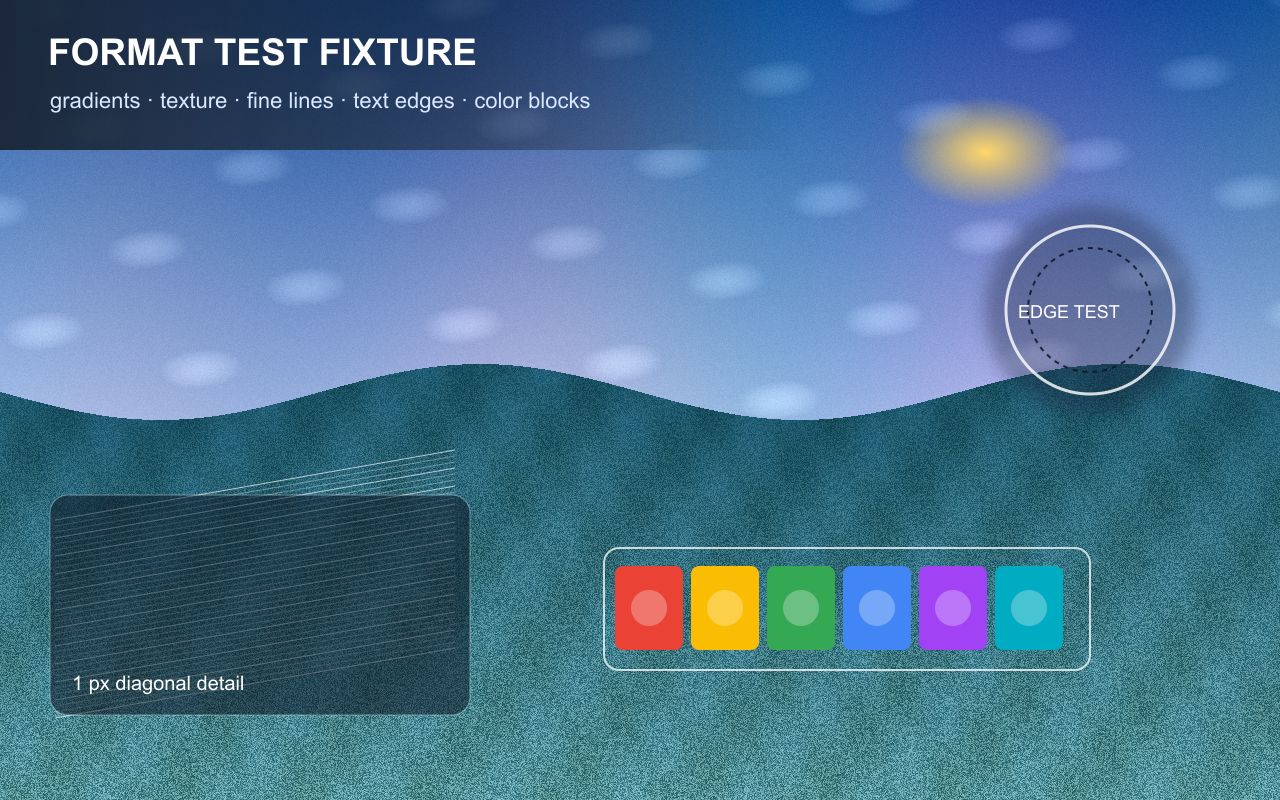
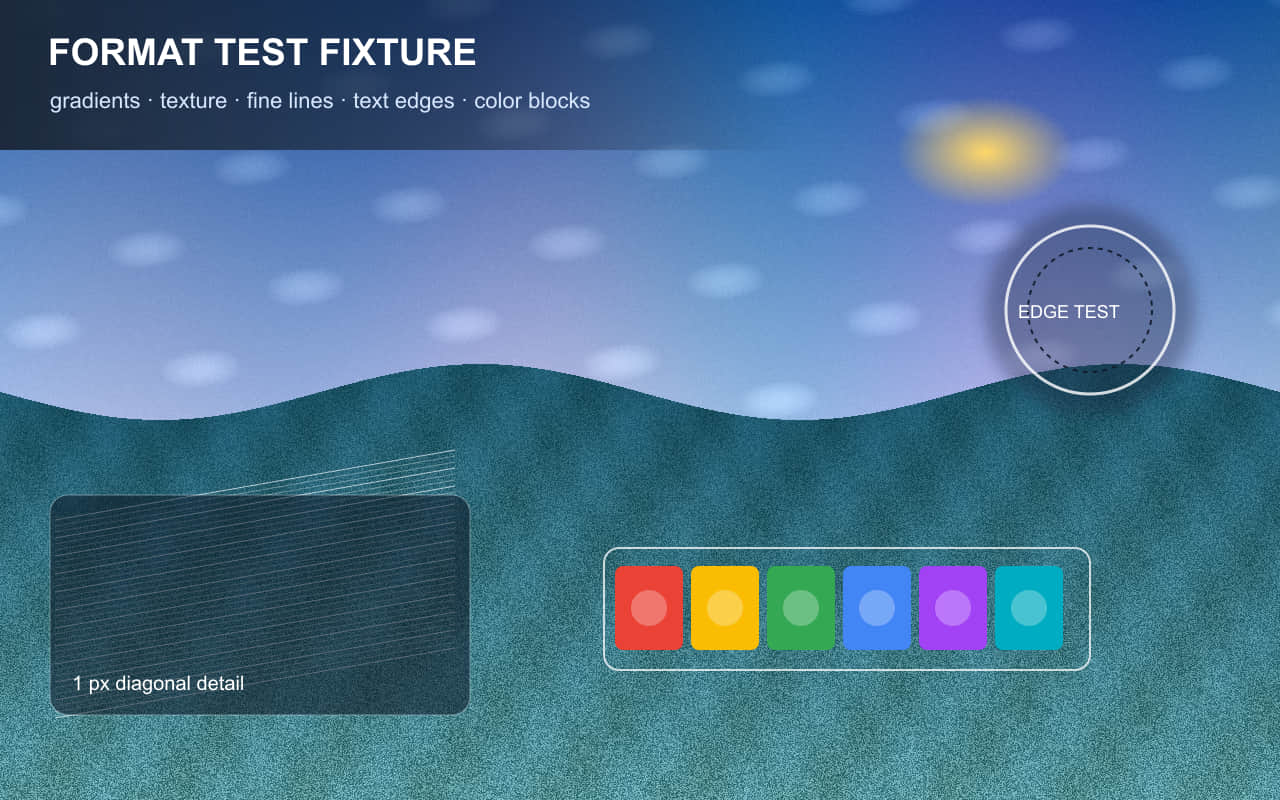
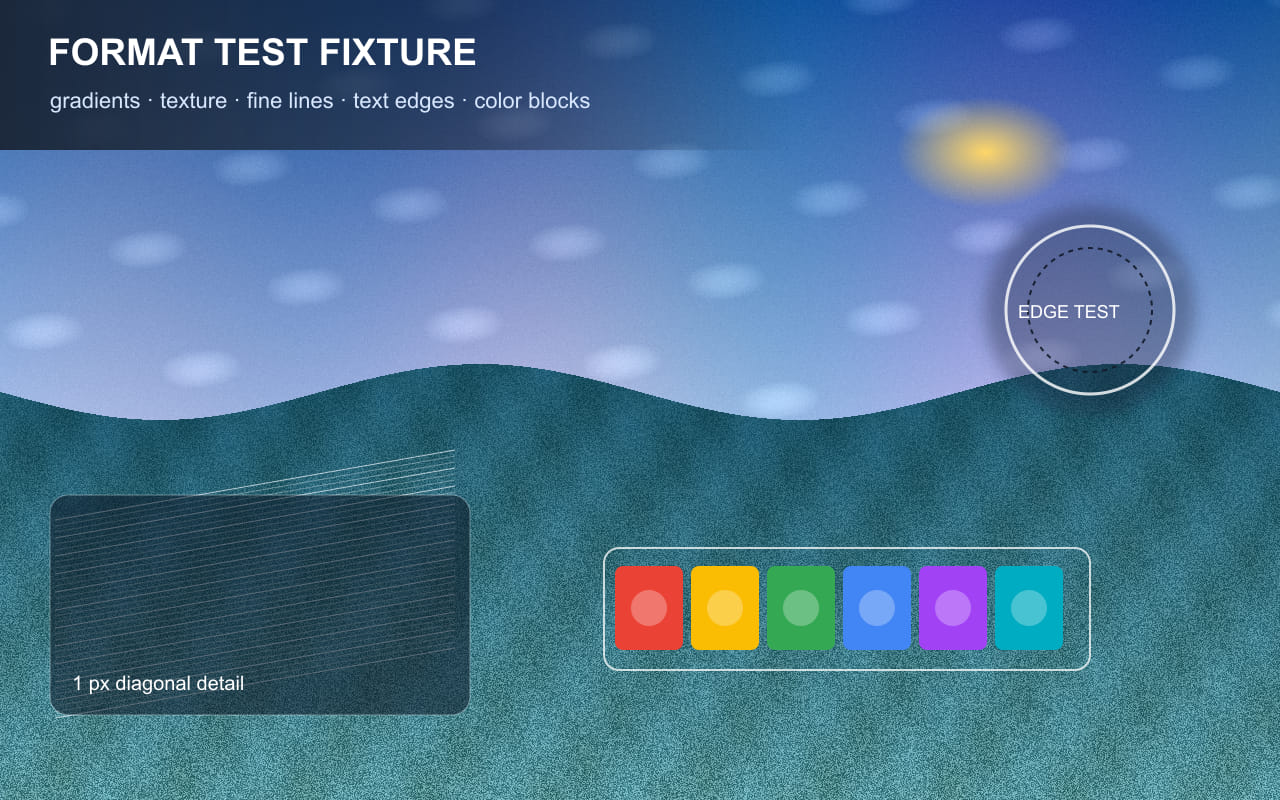
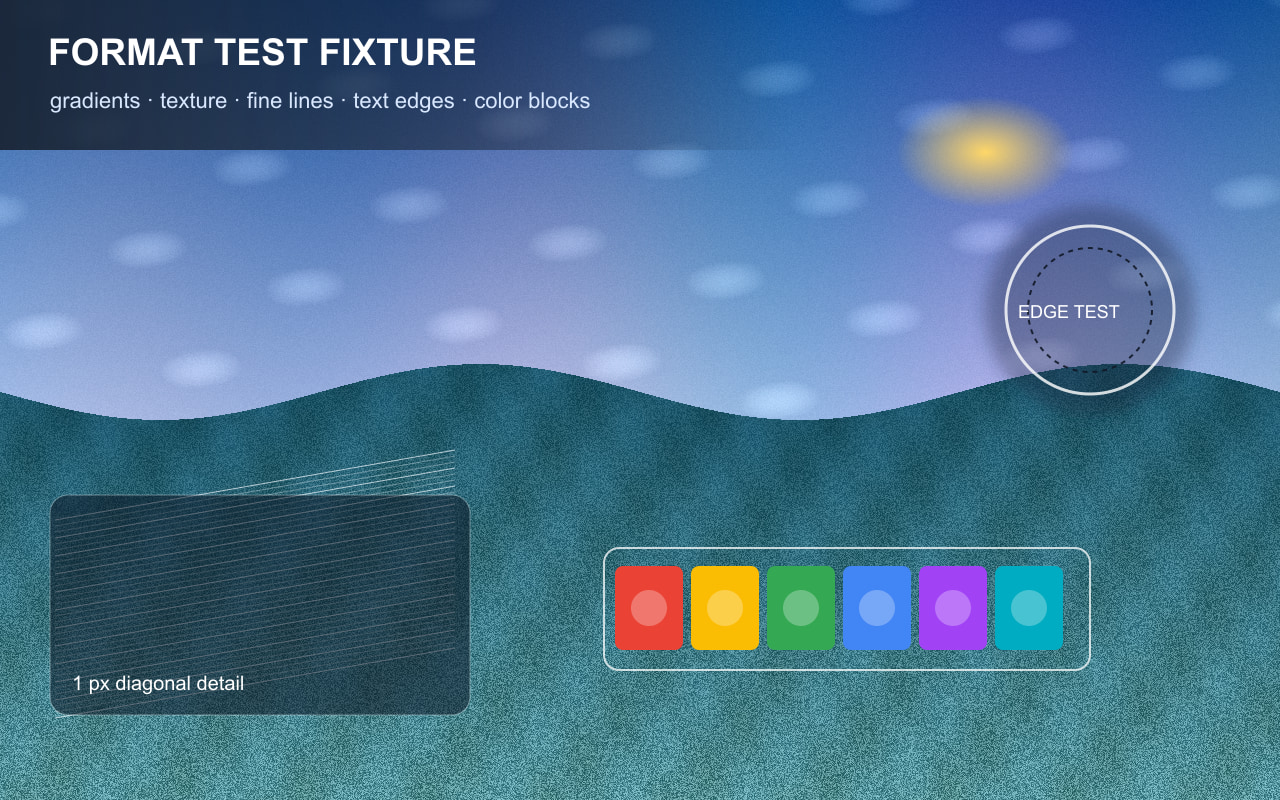
On August 12, 2026, we encoded the same original 1280 × 800 RGB fixture at JPEG quality
inputs 35, 50, 65, 80, and 92. Dimensions, source pixels, MozJPEG version, and 4:4:4 chroma
subsampling remained fixed; only the quality input changed. The fixture contains gradients,
deterministic fine texture, one-pixel diagonal lines, text edges, circles, and saturated blocks.
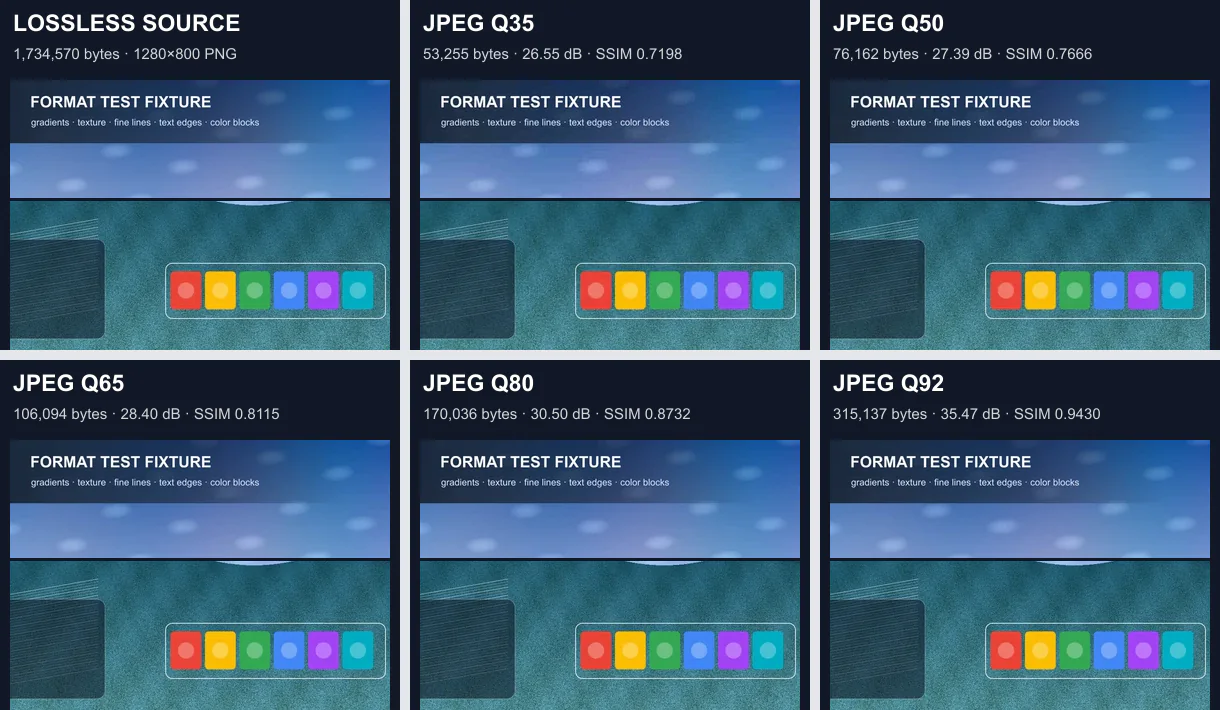
the lower crop contains dense texture, one-pixel lines, edges, and saturated colors. Open the
full files at 100% zoom for the final inspection.
| JPEG quality | File size | Bits/pixel | RGB PSNR | 8 × 8 luma SSIM | 100% crop note |
|---|---|---|---|---|---|
| 35 | 53,255 bytes (52.0 KiB) | 0.416 | 26.5478 dB | 0.719770 | Fine texture loses contrast and the one-pixel line group is visibly softened. |
| 50 | 76,162 bytes (74.4 KiB) | 0.595 | 27.3920 dB | 0.766594 | Edges are cleaner than Q35, while dense texture remains visibly simplified. |
| 65 | 106,094 bytes (103.6 KiB) | 0.829 | 28.3991 dB | 0.811469 | Text and color-block boundaries remain clear at this display size; texture still differs from the source. |
| 80 | 170,036 bytes (166.1 KiB) | 1.328 | 30.5028 dB | 0.873195 | Thin lines are better separated; high-frequency texture is still less faithful than the source. |
| 92 | 315,137 bytes (307.8 KiB) | 2.462 | 35.4652 dB | 0.943018 | Closest JPEG tested, with the best line and texture retention in this ladder, but not identical to the source. |
Decision for this fixture
File size rose from 53,255 bytes at Q35 to 315,137 bytes at Q92. Every step improved both reported
similarity metrics, but none of the five JPEG candidates reached the 38 dB PSNR threshold used in our
cross-format run. Q92 was therefore the highest-PSNR JPEG tested—not proof that Q92 is a universal publishing
setting and not a threshold-matched substitute for the selected WebP or AVIF candidate.
The practical stopping point depends on the page. A small card may tolerate a defect that is distracting in a
full-width hero, and a photograph, screenshot, portrait, or noisy source can react differently from this fixture.
Use these files to understand the ladder, then run the same process on several representative production images.
PSNR and SSIM are numerical proxies; the human inspection note remains part of the decision.
Environment and reproducibility record
- Run date:
- Environment: Windows 10.0.26200 x64; Node.js v24.14.0
- Sharp 0.34.5; libvips 8.17.3; MozJPEG 0826579
- JPEG options: MozJPEG enabled; 4:4:4 chroma subsampling; no resize or crop before encoding
- Source PNG: 1,734,570 bytes; 1280 × 800 RGB
- Source SHA-256:
8ee761ff7a23c8ecccec1c2acf8db61dc975fca184e769169e01af4f35394da6 - Metrics: decoded RGB PSNR and 8 × 8-window luminance SSIM against the same source pixels
Download the source fixture (PNG) ·
Download the measured ladder (CSV) ·
Download all candidates and the method (ZIP)
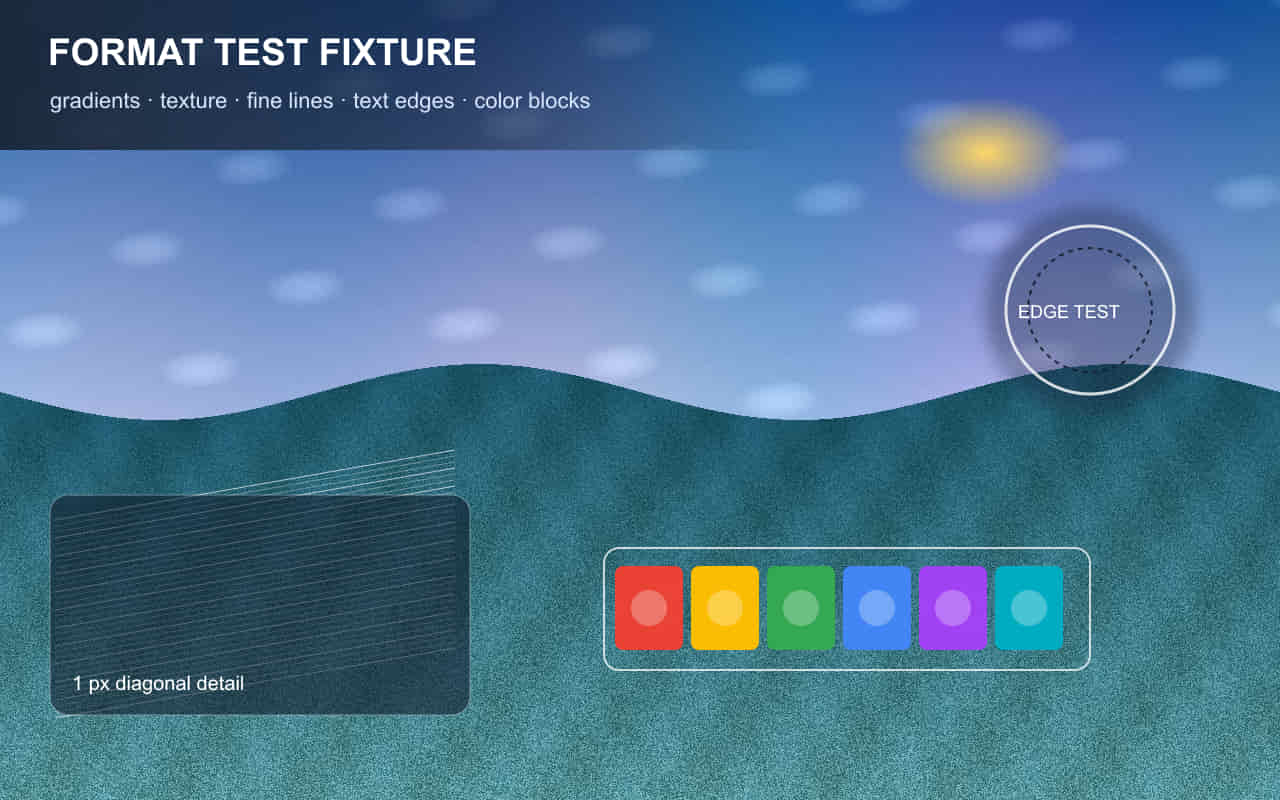
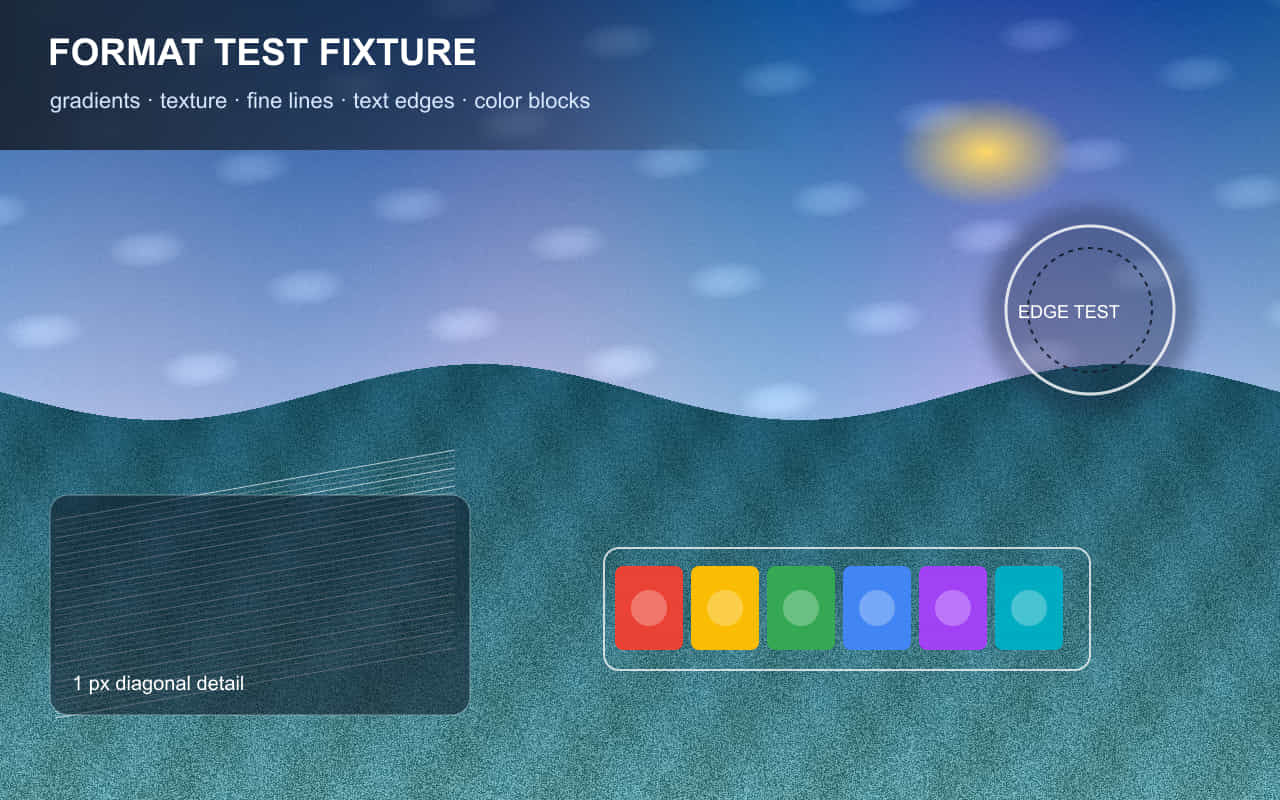
Full-size JPEG candidates:
Q35 ·
Q50 ·
Q65 ·
Q80 ·
Q92
Limitations: this ladder uses one synthetic RGB fixture, one encoder build, five coarse quality
inputs, 4:4:4 chroma, and one visual review. It does not test 4:2:0 JPEG, progressive rendering behavior,
alternate encoders, color profiles, portraits, camera noise, screenshots, every display, or every viewing distance.
What to record
Record source filename, content type, output dimensions, encoder and browser version, quality value, output bytes, and a short description of the first unacceptable artifact. Keep the rejected candidates; they explain the boundary.
A result belongs to the source file, encoder, settings, browser, viewport, cache state, and date that produced it. Repeat the test on representative files before changing a production workflow.
Common mistakes
- Treating quality 80 as a cross-tool standard
- Changing resize dimensions while changing quality
- Leaving orientation or color-profile differences unexplained
- Using one photograph to set every editorial export rule
Verification checklist
View the files against both light and dark backgrounds, compare at the intended CSS display size and at 100%, and confirm that metadata removal did not rotate the image. Re-run one output to ensure the result is stable.
Primary references
Related lab notes
About this guide
We distinguish documented platform behavior from our workflow recommendations. See the testing methodology, editorial policy, and corrections log.