Camera and editing metadata can contain timestamps, device details, software history, and sometimes location. Removing metadata can reduce exposure and a small amount of weight, but a careless export can also rotate the image or alter color because orientation and profiles were not normalized first.
Publish the minimum metadata needed for the page while preserving intended orientation, color, attribution, and editorial records.
Repeatable method
1. Classify the metadata
Decide which fields are sensitive, which are operational, and which are legally or editorially required. Preserve an archival original outside the public web folder.
2. Normalize orientation
Bake the intended orientation into the pixels before removing the EXIF orientation tag. Compare portrait sources carefully.
3. Export a web derivative
Convert to the chosen web color space, remove private fields, and give the derivative a new filename. Do not overwrite the archival source.
4. Inspect the published response
Download the served asset from the browser rather than trusting the local export. A CDN or WordPress plugin may create another derivative.
Measured EXIF removal without re-encoding
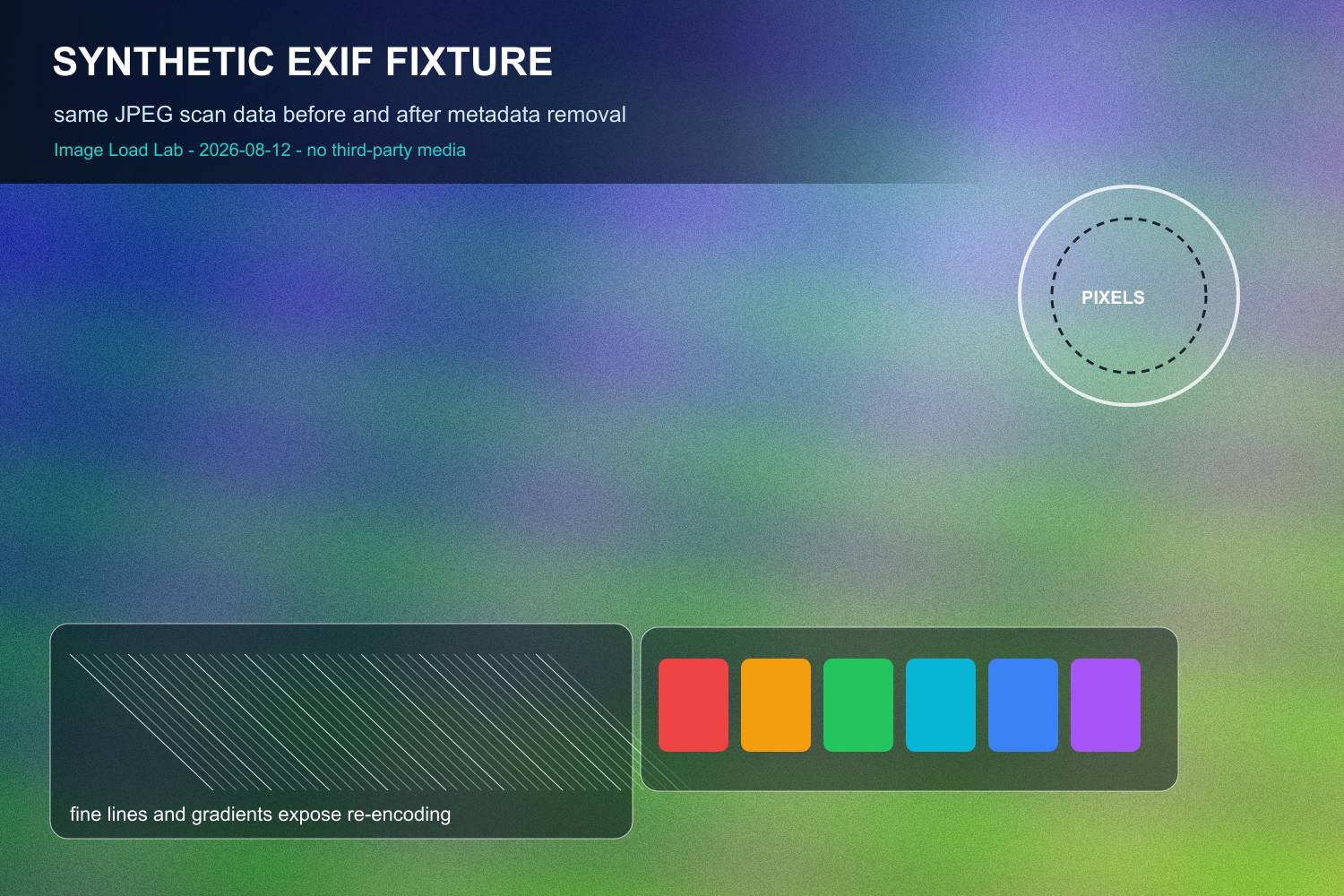
We generated one original 1500 × 1000 RGB fixture with gradients, low-amplitude texture,
fine lines, text edges, circles, and saturated color blocks. It contains no third-party media and represents
no real person, camera, or location. We compressed the fixture once as JPEG, inserted one standards-shaped
EXIF APP1 segment, and then made the stripped version by deleting only that segment. The JPEG scan data was
not decoded and re-encoded during removal.
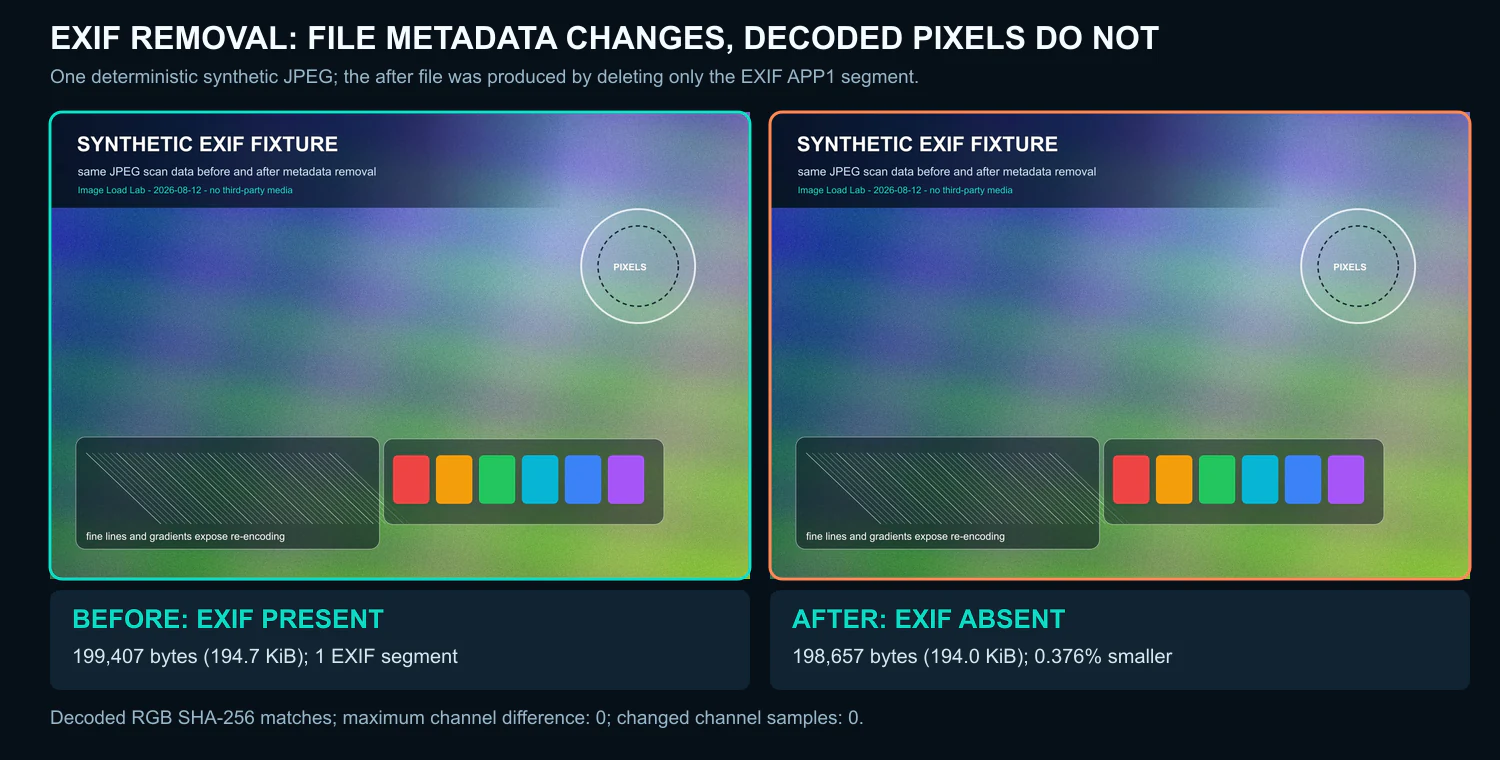
Download the original files and verification record below rather than judging equality from this scaled preview.
| File | File size | EXIF | Decoded RGB SHA-256 | Decoded difference |
|---|---|---|---|---|
| Before | 199,407 bytes (194.7 KiB) | Present: 1 APP1 segment, 750 bytes | 016971e256042fd192c9e94d23b0fd237043b905d92a3a31bdd5b43a70e0bf9f |
Reference |
| After | 198,657 bytes (194.0 KiB) | Absent: 0 EXIF APP1 segments | 016971e256042fd192c9e94d23b0fd237043b905d92a3a31bdd5b43a70e0bf9f |
0 changed RGB samples; maximum channel error 0 |
What this run demonstrates
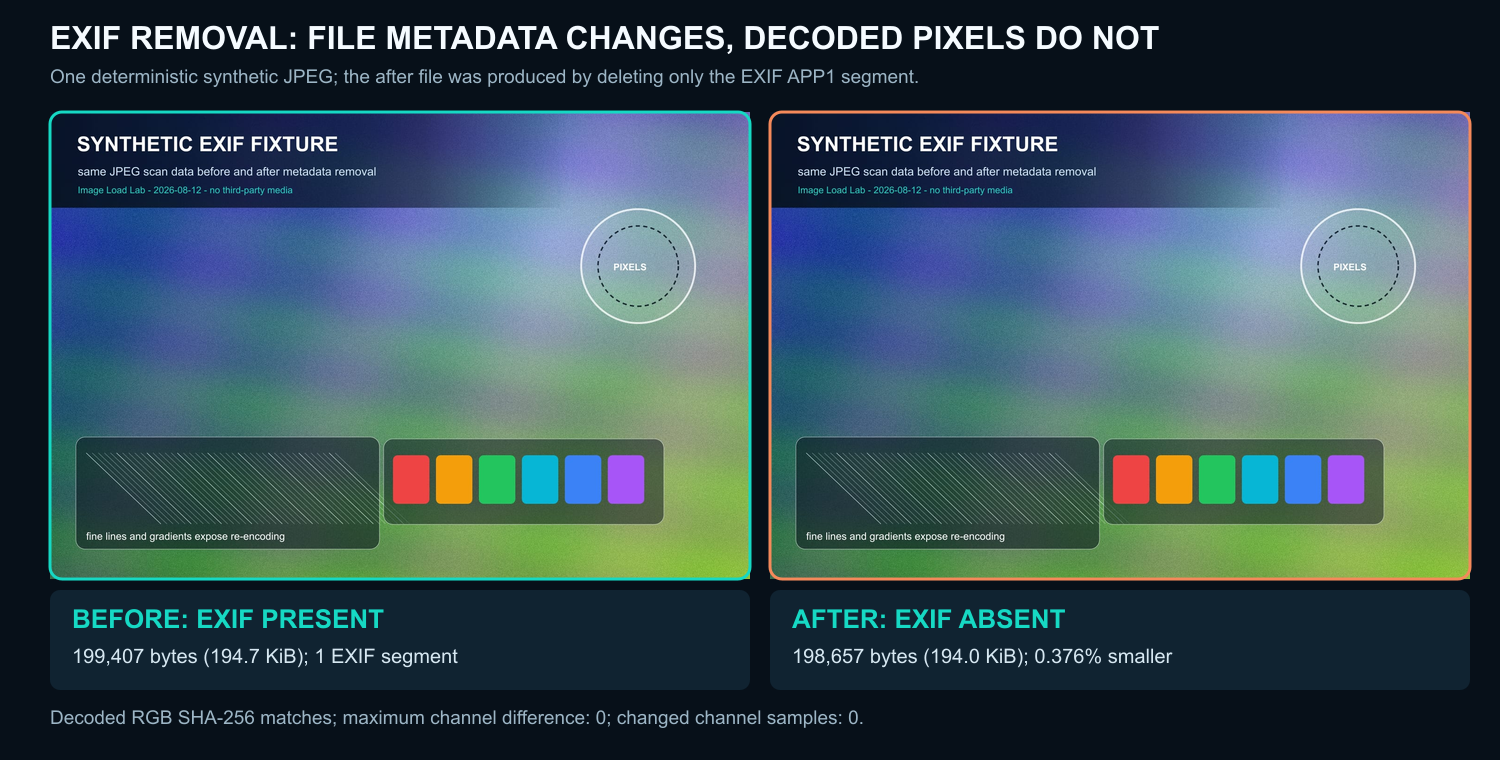
Removing the 750-byte EXIF segment reduced this file from
199,407 to 198,657 bytes,
a 0.376% reduction. More importantly for this controlled test, the stripped file is byte-for-byte equal
to the original JPEG that existed before metadata insertion. Both files decode to the same RGB SHA-256 hash,
with zero changed channel samples and a maximum absolute channel difference of zero.
This supports a narrow operational conclusion: EXIF can be removed from a JPEG without changing its image pixels
when the tool removes metadata segments without re-encoding the compressed scan. It does not support a universal
size-saving claim. The percentage depends on how much metadata a specific file carries and how large its image
payload is. Some export tools also rotate, resize, recolor, or recompress while stripping metadata; those workflows
need a separate decoded-pixel and visual check.
Privacy and workflow decision
EXIF may contain timestamps, camera details, editing software, descriptive fields, and sometimes GPS data. Our
synthetic segment intentionally contains descriptive and capture-like test fields but no real GPS location or
personal device identifier. For a production upload, inspect the actual file rather than assuming metadata is
present or absent. Keep metadata when it is required for attribution, rights, color-managed production, or an
archival workflow; remove unnecessary private fields before public delivery and retain an untouched master offline.
How to reproduce the check
- Run the included Node.js generator with the recorded Sharp and libvips versions.
- Confirm the before file contains one EXIF APP1 segment and the after file contains none.
- Confirm the byte delta equals the exact removed segment length.
- Decode both JPEGs to RGB and compare their pixel hashes and per-channel values.
- Repeat with representative phone, camera, and editor exports before setting a batch policy.
Environment, fields, and exact checks
- Run date:
- Environment: win32 Windows_NT x64; Node.js v24.19.0
- Sharp 0.35.3; libvips 8.18.3; MozJPEG 0826579
- Fixture: deterministic synthetic 1500 × 1000 RGB image; JPEG quality 82, MozJPEG, 4:2:0 chroma
- Test EXIF fields: description, make, model, software, artist, copyright, date/time, exposure, aperture, ISO, focal length, and a synthetic-data comment
- No GPS field, real device serial, third-party image, or real person’s data is included
- Before file SHA-256:
4ad2c78e66b7e3fdfbe525c159ca4361802334154d8103f4fd1ea5f19ffd7963 - After file SHA-256:
af9a97feb3a02e0ca828873f1b9c871c8296594abe7c31f5556779de29c67747 - Decoded RGB SHA-256 for both files:
016971e256042fd192c9e94d23b0fd237043b905d92a3a31bdd5b43a70e0bf9f - The CSV and verification TXT contain unrounded sizes, marker counts, hashes, and pixel-difference totals. The complete ZIP also includes the JSON record and generator.
Download the JPEG with EXIF ·
Download the stripped JPEG ·
Download the labeled comparison ·
Download the synthetic source fixture ·
Download results and hashes (CSV) ·
Download the verification record (TXT) ·
Download the method and environment (README) ·
Download the complete reproducibility bundle (ZIP)
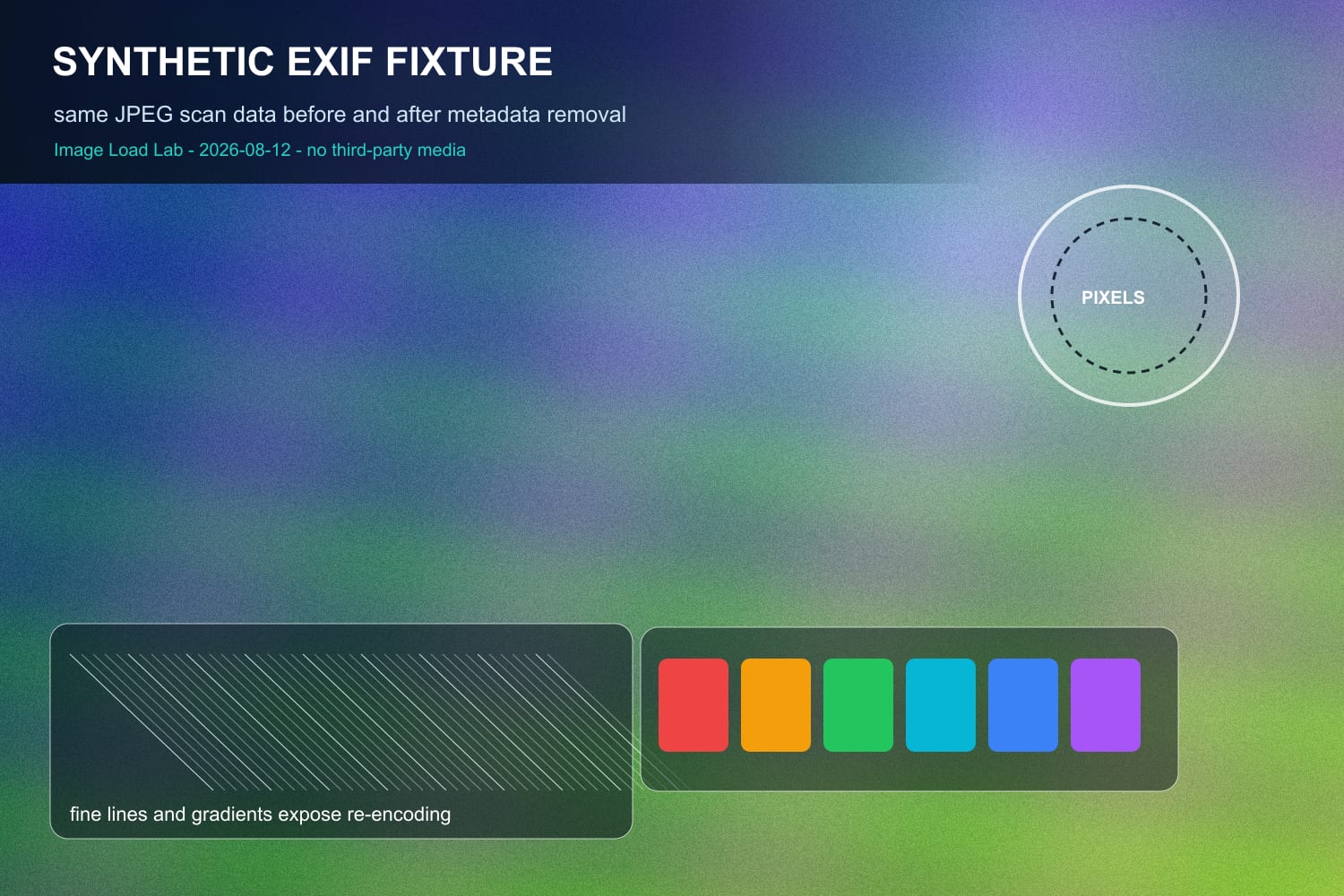
Limitations: this is one synthetic JPEG and one deliberately controlled EXIF segment. It does not
measure every phone, camera, CMS, editor, JPEG variant, ICC profile, XMP block, IPTC record, thumbnail, orientation
tag, or stripping tool. Byte savings from other files may be smaller or larger. Pixel equality here depends on
segment removal without re-encoding; verify any production tool that does more than metadata deletion.
What to record
Record the source hash or archival identifier, fields removed, fields intentionally retained, export tool and version, color handling, dimensions, bytes before and after, and the public URL tested.
A result belongs to the source file, encoder, settings, browser, viewport, cache state, and date that produced it. Repeat the test on representative files before changing a production workflow.
Common mistakes
- Deleting the only archival original
- Stripping orientation before rotating the pixels
- Removing required credit or rights information
- Assuming a WordPress derivative has the same metadata as the uploaded source
Verification checklist
Open the derivative in at least two viewers, confirm orientation, compare color against the source, inspect metadata with a separate tool, and download the final CDN or origin response for one last check.
Primary references
Related lab notes
About this guide
We distinguish documented platform behavior from our workflow recommendations. See the testing methodology, editorial policy, and corrections log.